

privacy
Browser based vs server based PDF tools
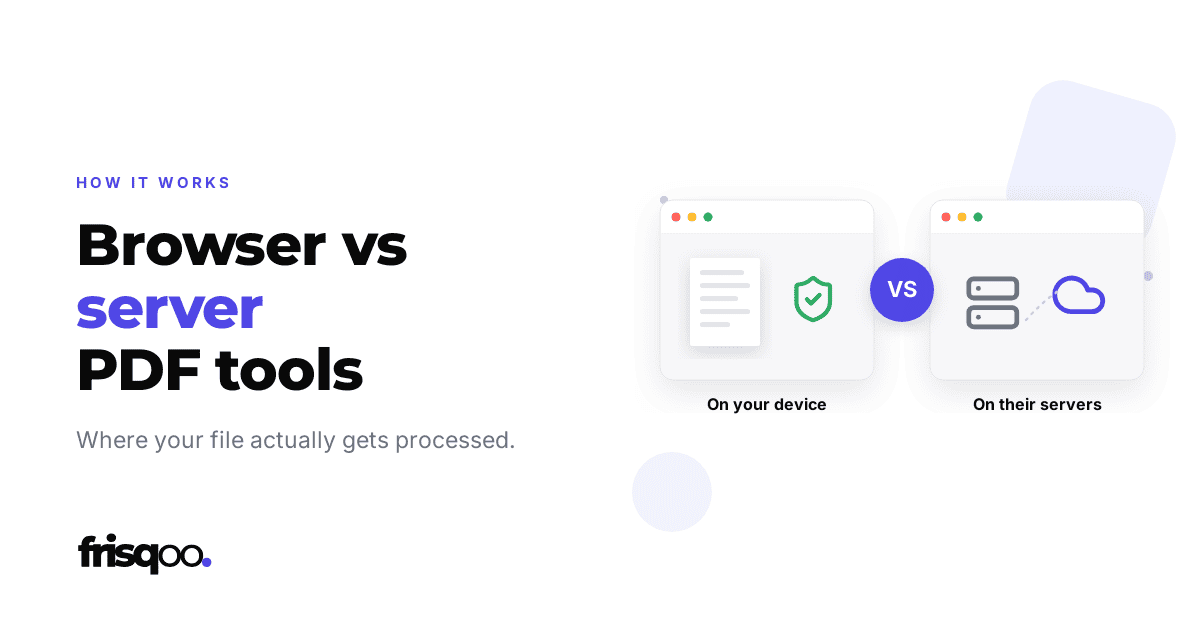
Two PDF tools can look identical and work in completely different places. One sends your file away to be handled. The other keeps it where it is and brings the work to it. The page gives no hint either way, so it helps to know what each kind is really doing.
The server based way
You upload a file. It travels across the internet to a server the company owns. That server does the work, then sends a new file back to you. This is how most well known PDF sites operate.
It has real strengths. The heavy lifting happens on powerful hardware, so a very large or complex file can be handled quickly. The tool does not depend on how old your phone is. The cost is that your file sits on someone else’s server for a while, under their rules, and you have to trust those rules. We covered that choice in more detail in are online PDF tools safe.
The browser based way
Here the tool works the other way round. When you open the page, the code that edits the PDF loads into your browser. After that, the work happens on your own device. The file is never uploaded, because it never needs to be.
The gain is privacy you do not have to take on trust. There is no server copy, no retention window, no list of other companies with access. The limits are honest ones. The work uses your own device to run, so a very large file leans on the device in front of you, and the first visit has to download the tool itself, which takes a moment.
Which should you use?
For a menu, a ticket, or a newsletter, either kind is fine and the choice barely matters. For anything you would not hand to a stranger, a contract, a payslip, an ID scan, a browser based tool removes the question rather than answering it.
If you are not sure which kind a tool is, you do not have to guess. Load the page, turn off your wifi, and try it, as we describe in how to tell if a website uploads your file. If it still works offline, it runs in your browser. Every tool on this site does, and you can prove it in about ten seconds.
Frequently asked questions
What is the difference between a browser based and a server based PDF tool?
A server based tool uploads your file to a company server, does the work there, and sends it back. A browser based tool loads its code into your browser once and does the work on your own device, so the file never leaves.
Which is more private?
A browser based tool, by a clear margin. If the file never leaves your device, there is nothing on a server to store, leak, or hand over. A server based tool relies on the company's rules instead.
Are server based tools faster?
For very large files they can be, because a data centre has more power than an old phone. For everyday documents the difference is small, and a browser tool skips the upload and download entirely.
How can I tell which kind a tool is?
Load the page, turn off your internet, and try it. If it still works, it runs in your browser. If it stalls, it needs a server.