

AVIF to PNG
Turn AVIF images into PNG files for editing, upload forms and apps that need PNG. Add one AVIF or a batch, press Convert, then save the PNG files. The work runs in your browser, so your images stay on your device.
100% private. Your files are processed entirely in your browser and never uploaded.
Why convert AVIF to PNG with frisqoo
Private on your device
The browser reads and converts each image locally. Your AVIF files are not uploaded to a conversion server.
Wider compatibility
PNG works in many apps, forms and editors that may reject a newer AVIF file.
Transparency kept
PNG has an alpha channel, so transparent and partly transparent pixels remain available in the output.
Lossless output
PNG stores the decoded pixels without another lossy compression step.
Batch conversion
Process several AVIF files together, then download the results one by one or as a zip.
Free to use
No account, watermark or daily quota. Device memory is the practical limit.
How to convert AVIF to PNG
- Add your AVIF images. Drop them on the box or choose one or more files from your device.
- Press Convert. The browser creates a PNG and keeps transparency where the source has it.
- Download one PNG or save every converted image in a zip.

Choose PNG when transparency matters
PNG is a practical target for a logo, icon, cut-out or screenshot that needs see-through areas. AVIF can store an alpha channel, and this converter keeps that channel when it writes the PNG. A transparent corner therefore stays transparent instead of becoming a solid colour.
Use AVIF to JPG for a photograph that needs broad compatibility and does not need transparency. JPG can be smaller, but it needs a background fill because JPEG has no alpha channel. Keep the AVIF as the source when you may need both versions.
AVIF vs PNG: what changes after conversion
The browser decodes the AVIF, paints the result onto a canvas and writes a fresh PNG. PNG is lossless, so this second encoding does not add JPEG-style quality loss. It cannot restore detail that the original AVIF already discarded, though. The result is a lossless PNG of the pixels the browser decoded.
Renaming the extension cannot change AVIF to PNG. The image data must be decoded and written again. This makes PNG useful for editing, compositing and screenshots, but it also means the output can be much larger than the compact AVIF, especially for a detailed photograph.
Keep the AVIF when storage or page delivery size matters, and make a PNG copy when the receiving app needs lossless pixels or transparency.
Convert a batch of AVIF files to PNG
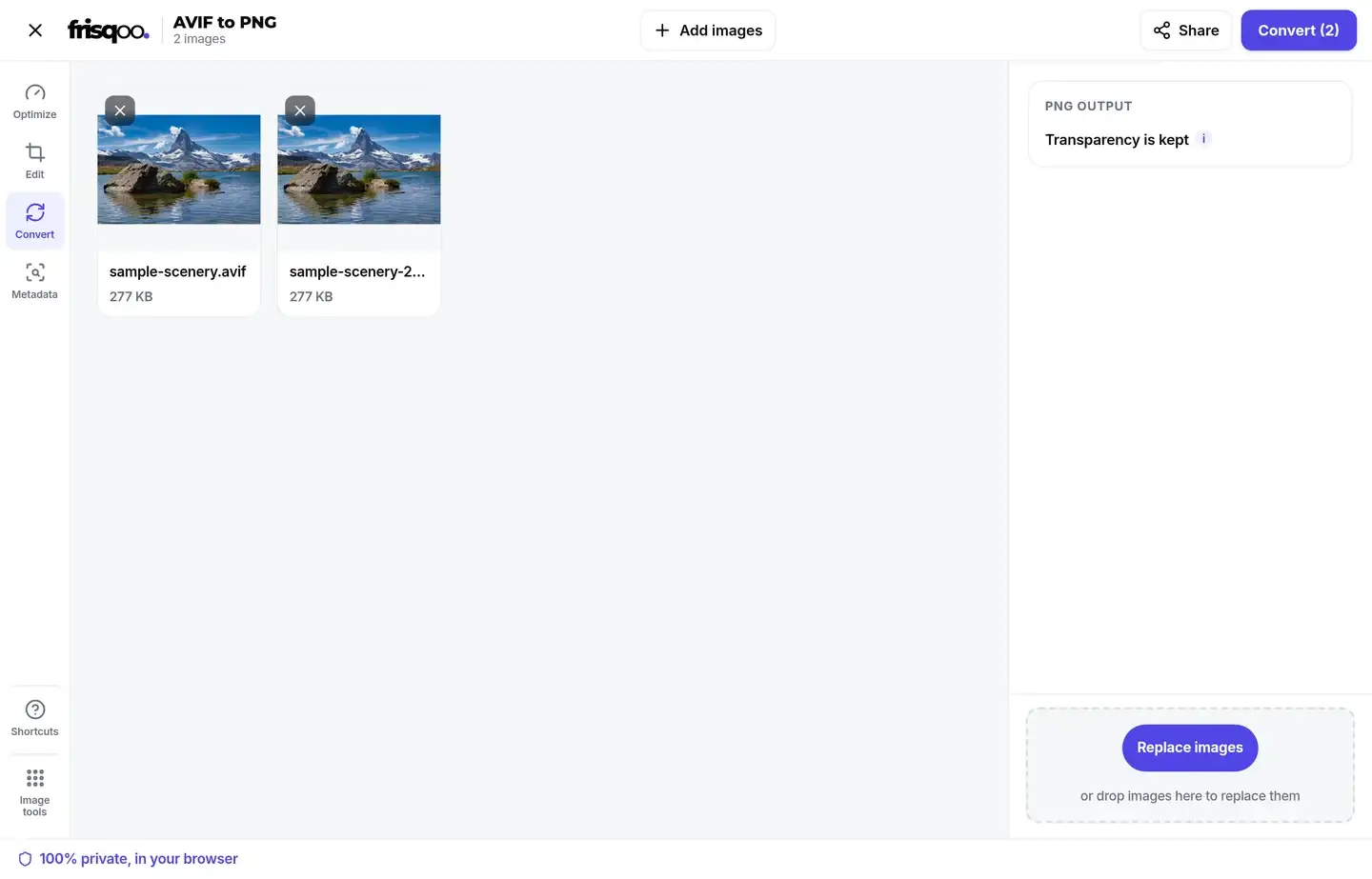
Add several AVIF images before opening the workspace. The main button shows the queue count, such as Convert (2). Each file is decoded and encoded in the browser, using the same page session.
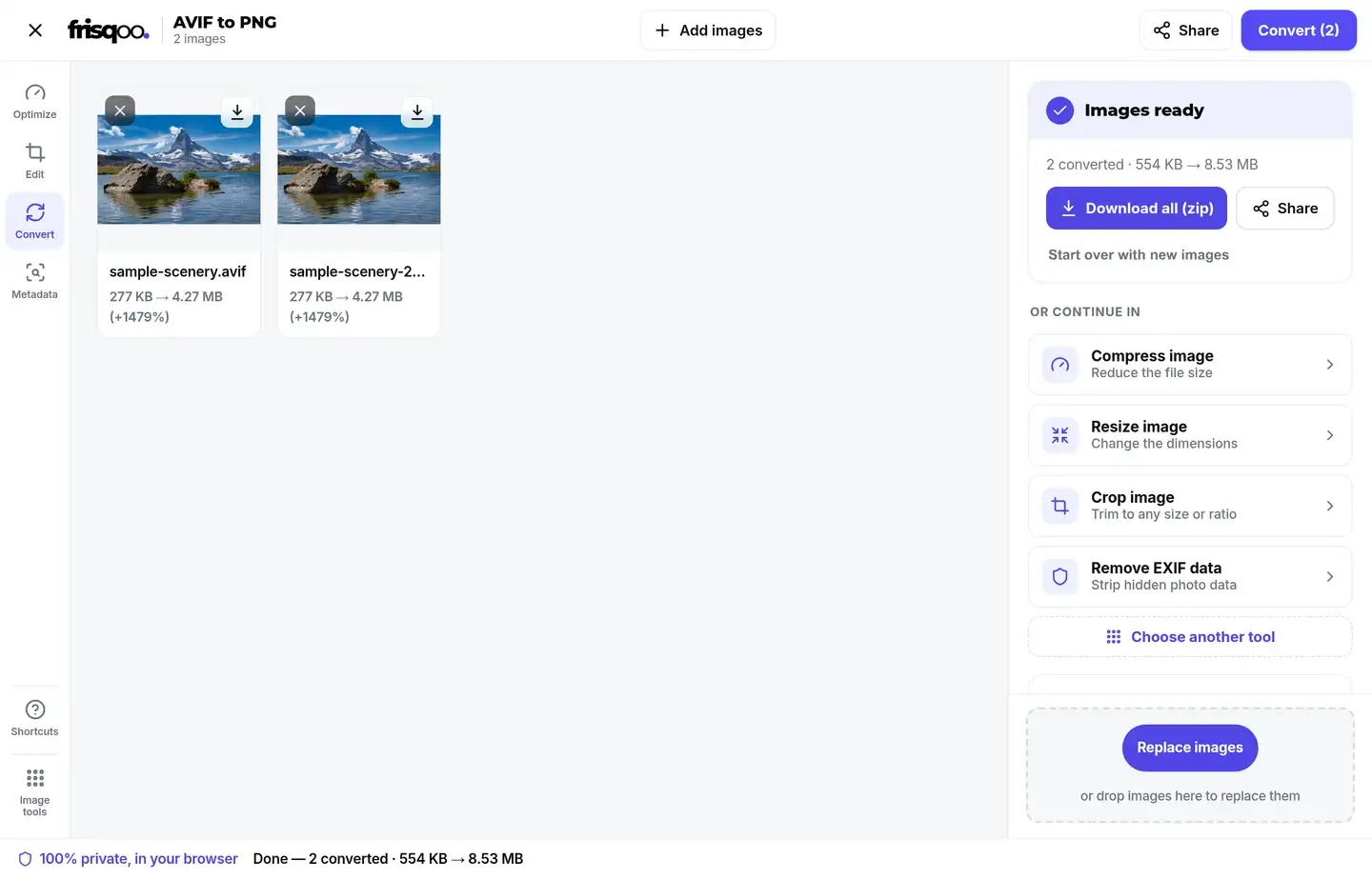
Every result keeps its base name and receives a .png extension. Download a file from its card, or choose Download all (zip) after the batch finishes. The archive is named frisqoo_avif-to-png.zip.
PNG output can use more working memory than the compact AVIF source. Smaller groups are safer on older phones and laptops than one very large batch. If a file is skipped, check it separately in a current browser before retrying the rest.
What happens to image dimensions
Conversion keeps the decoded pixel width and height. It does not crop, resize or change the canvas during this step. Use Resize image when an upload form asks for a specific width or height.
Open the PNG at full size if the dimensions matter for print, a design file or a game asset. Also check that the alpha edges look right. A browser decoder can still reject a damaged or incomplete AVIF before the PNG is created.
Use PNG for editing and compositing
PNG is a useful handoff format when another tool needs a familiar raster file. It works well for overlays, slide graphics, design mockups and screenshots because the canvas can keep transparent edges. It is also a safer intermediate than JPG when you expect more edits.
Do not choose PNG only because its filename looks more universal. A photograph may take much more space as PNG, and some upload services set strict file-size limits. Keep the compact AVIF for storage, then create a PNG copy for the editor, form or workflow that needs lossless pixels.
Browser support is required to read AVIF
The tool relies on the browser's image decoder. Most current browsers can read AVIF, but an older browser or an unusual file may fail. A file that cannot be decoded is skipped instead of being presented as a successful PNG.
Update the browser and try the original file again if this happens. Changing a different file's extension to .avif does not make it a valid AVIF. The source must contain AVIF image data.
Keep the source when metadata matters
The converter creates a new PNG from decoded pixels. It is not a metadata archive of the AVIF. Keep the original when camera details, location data, comments or editing history matter to you.
Use EXIF data viewer when you want to inspect supported metadata before sharing a source image. Use PNG for the visible image, not as a promise that hidden source fields will travel with it.
Use AVIF to PNG on a phone
Open the page in a mobile browser and tap the drop area. Choose AVIF images from Files or another picker, then press Convert. Use the browser download control to save one PNG or the zip.
The phone performs the work locally, so free memory affects batch size. Close unused apps or convert fewer large images together if the workspace slows down.
Your images stay in the browser
The AVIF is decoded and the PNG is encoded on your device. The tool does not send the image to a remote conversion service. This is useful for private photos, draft artwork and document images.
The page itself still has to load in your browser. Once the tool is open, the image conversion happens locally. Save the result to the right folder and remove it from a shared device when local privacy also matters.
Common uses for AVIF to PNG
- Preparing an AVIF graphic for an editor or form that accepts PNG.
- Keeping transparency in a logo, icon or product cut-out.
- Creating a lossless PNG copy for compositing or annotation.
- Opening a downloaded AVIF in an older app that cannot read it.
- Converting a folder of AVIF images and downloading one zip.
FAQs about AVIF to PNG
How do I convert AVIF to PNG?
Add one or more AVIF images, then press Convert. Each image is converted on your device. Download a PNG on its own or save the batch as a zip.
Is this AVIF to PNG converter free?
Yes. There is no sign-up, watermark or daily quota. Your device memory is the practical limit because the conversion runs in your browser.
Are my AVIF images uploaded?
No. Your browser reads the AVIF and creates the PNG on your device. The image is not sent to a conversion server.
Does AVIF to PNG keep transparency?
Yes. AVIF and PNG can carry an alpha channel. Transparent and partly transparent pixels are kept in the PNG output.
Does converting AVIF to PNG reduce quality?
PNG is lossless. The new PNG keeps the decoded pixels without adding another lossy compression step. Detail already removed from a lossy AVIF cannot be rebuilt.
Why is the PNG larger than the AVIF?
AVIF is designed for compact delivery. PNG keeps pixels in a lossless form, so the output can be much larger, especially for photographs and textured images.
Can I convert several AVIF files together?
Yes. Add several files before pressing Convert. Each file is processed with the same browser session, and the Convert button shows the queue count.
What is the AVIF to PNG zip called?
When more than one result is ready, Download all (zip) creates frisqoo_avif-to-png.zip.
Does conversion change image dimensions?
No. The PNG keeps the decoded width and height of the AVIF. Use Resize image when you need different pixel dimensions.
Why was an AVIF file skipped?
The browser may not be able to decode that file, or the file may be damaged. Try a current browser and check that the source is a valid AVIF image.
Does the new PNG keep the AVIF metadata?
The converter paints decoded pixels onto a fresh canvas and writes a new PNG. Keep the original AVIF when its source metadata matters.
Can I use AVIF to PNG on a phone?
Yes, if the mobile browser can decode AVIF. Use smaller batches on an older phone because large images need more working memory.
Are PNG and JPG interchangeable after conversion?
No. PNG keeps transparency and lossless pixels. JPG is usually the better choice for a smaller photo that does not need transparency.