

Remove EXIF data
Strip the hidden data out of your photos before you share them. This tool removes EXIF, GPS location, camera details, timestamps and comments, without re-encoding the picture, so the image quality stays the same. It all runs in your browser, so Frisqoo processes the files locally without uploading them.
100% private. Your files are processed entirely in your browser and never uploaded.
Why remove EXIF data with frisqoo
Local processing
Processing runs in your browser, and Frisqoo does not upload the source files for this task.
GPS location gone
The latitude and longitude that reveal where a photo was taken are removed along with everything else held in the metadata.
Quality untouched
The picture is never re-encoded. Only the metadata blocks are dropped, so every pixel stays byte for byte the same as before.
Camera details cleared
Camera make and model, lens, shutter speed, aperture, ISO, timestamps and editing history are all stripped out of the file.
A whole batch at once
Add a whole camera roll, clean it in one pass, then download the photos one by one or as a single zip.
Free, with no caps
No sign-up, no watermark and no daily quota. The only real limit is how much your own device can hold in memory.
How to remove EXIF data
- Add your images. Drop them on the box or pick them from your device, one or many.
- Press Remove metadata. EXIF, GPS, camera details, timestamps and comments are stripped on your device.
- Download. Save each cleaned image on its own or get them all in a zip.

What is removed, and what is kept
Three kinds of hidden data come out of the file. EXIF is the big one: it holds the GPS spot where the shot was taken, the camera make and model, the lens, the exposure settings, and the date and time. XMP and Photoshop blocks come next, holding editing history, star ratings, captions and copyright lines. On top of those, any plain text comments that an app tucked inside the file are dropped as well. Some cameras also write IPTC captions and keywords, and those are treated the same way, since they are just another metadata block riding inside the file.
A few blocks are kept on purpose, because losing them would change how the photo looks. The ICC colour profile stays, so your colours still read correctly on every screen. The small JFIF header that a JPG needs in order to display is left in place too. Because the picture itself is never decoded or re-saved, there is no quality loss at all. The file ends up a little smaller than it started, and every pixel is identical.
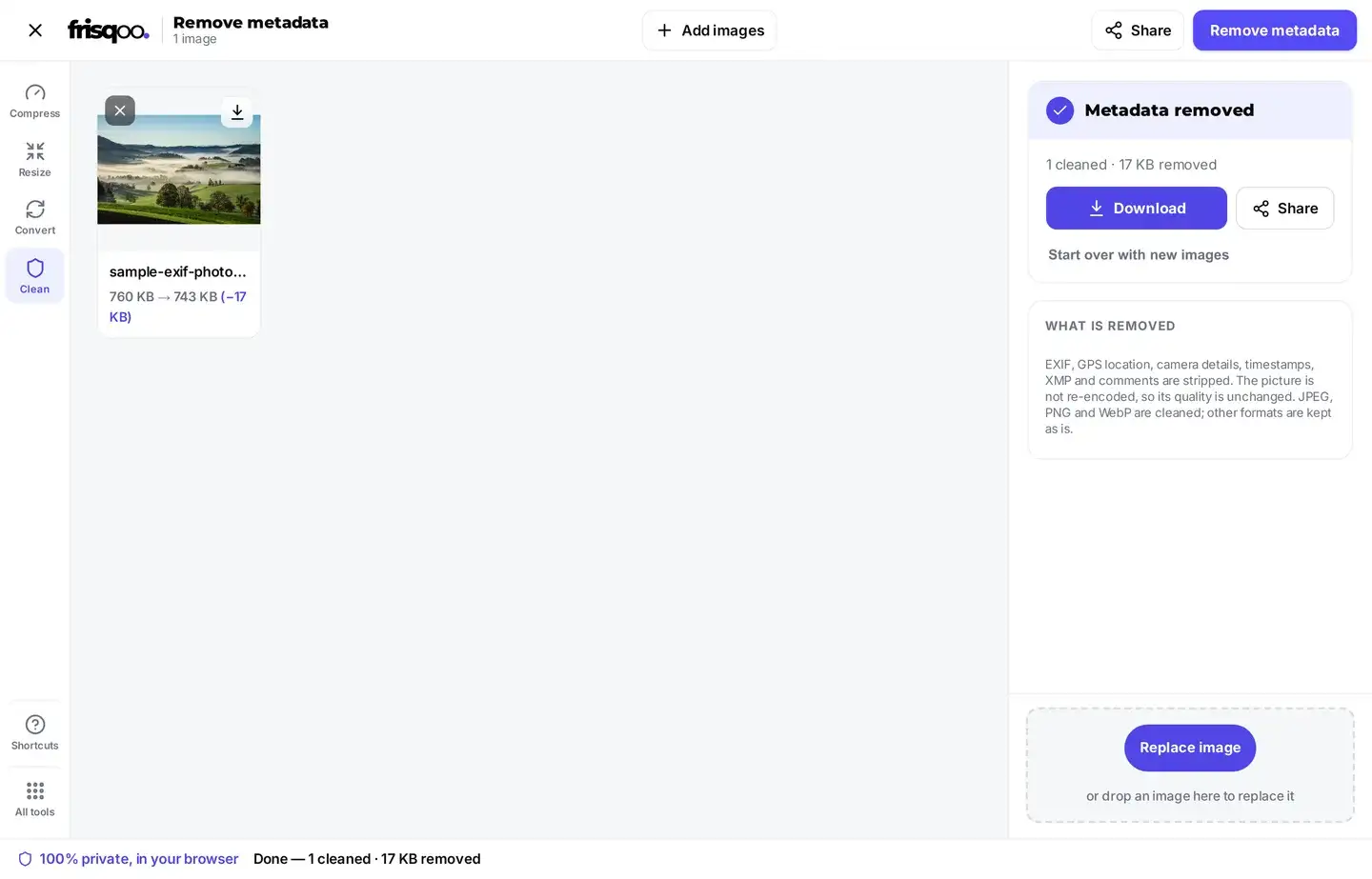
How the tool cleans a file without re-encoding
Most tools that promise clean metadata quietly re-save the whole picture, and a re-save throws away a little quality every single time. This one takes a different path. It reads the raw file, finds the exact blocks that hold metadata, and copies everything else across byte for byte. The pixels are never decoded and never written out again. Keeping the pixels means the result stays honest, because a tool that re-encodes can claim a smaller file while quietly softening the picture, while here the pixels that come out are the exact pixels that went in.
For a JPG, the EXIF, Photoshop and comment blocks are dropped while the image scan is passed through exactly as it was. For a PNG, the text and time chunks are removed and every rendering chunk is kept, so the picture is untouched. For a WebP, the EXIF and XMP chunks are stripped and the internal flags that pointed at them are cleared. The end result is always a smaller file that displays the very same image you started with.
Why removing metadata matters
A photo straight from a phone can quietly carry the exact spot where it was taken, sometimes down to the side of the street. It also carries the device that took it and the moment on the clock. Post that photo on a forum, a marketplace listing, a dating profile or a job application, and you may be handing over far more than you meant to share.
The picture on its own looks harmless, so most people never think to check what rides along with it. Clean the hidden data before you share, and your location stays yours while the photo looks exactly the same as it always did. Nothing about the image a reader sees has changed, only the part that was never meant to be public in the first place. A single clean photo shared once is enough to leak a home address, and the internet does not forget it afterwards, so the safest moment to strip the data is before the file ever leaves your device.
What a phone photo actually carries
Most phone photos hold far more than the picture on the screen. A typical JPG from a camera app records the make and model of the phone, the lens, the shutter speed, the aperture and the ISO value. It records the date and time down to the second it was captured. If location was switched on, it records the latitude and longitude, and very often the height above sea level as well.
That much detail can place a person at one spot at one exact moment. On a photo of a bike for sale, it points straight at your street. On a holiday snap posted while you are away, it tells anyone reading that your home is sitting empty. None of it shows up in the picture, so it slips through unnoticed until someone thinks to go looking for it. Newer phones can add even more, such as the direction the camera was pointing and a short burst of nearby frames, and every extra field is one more clue about you.
Clean a whole batch at once
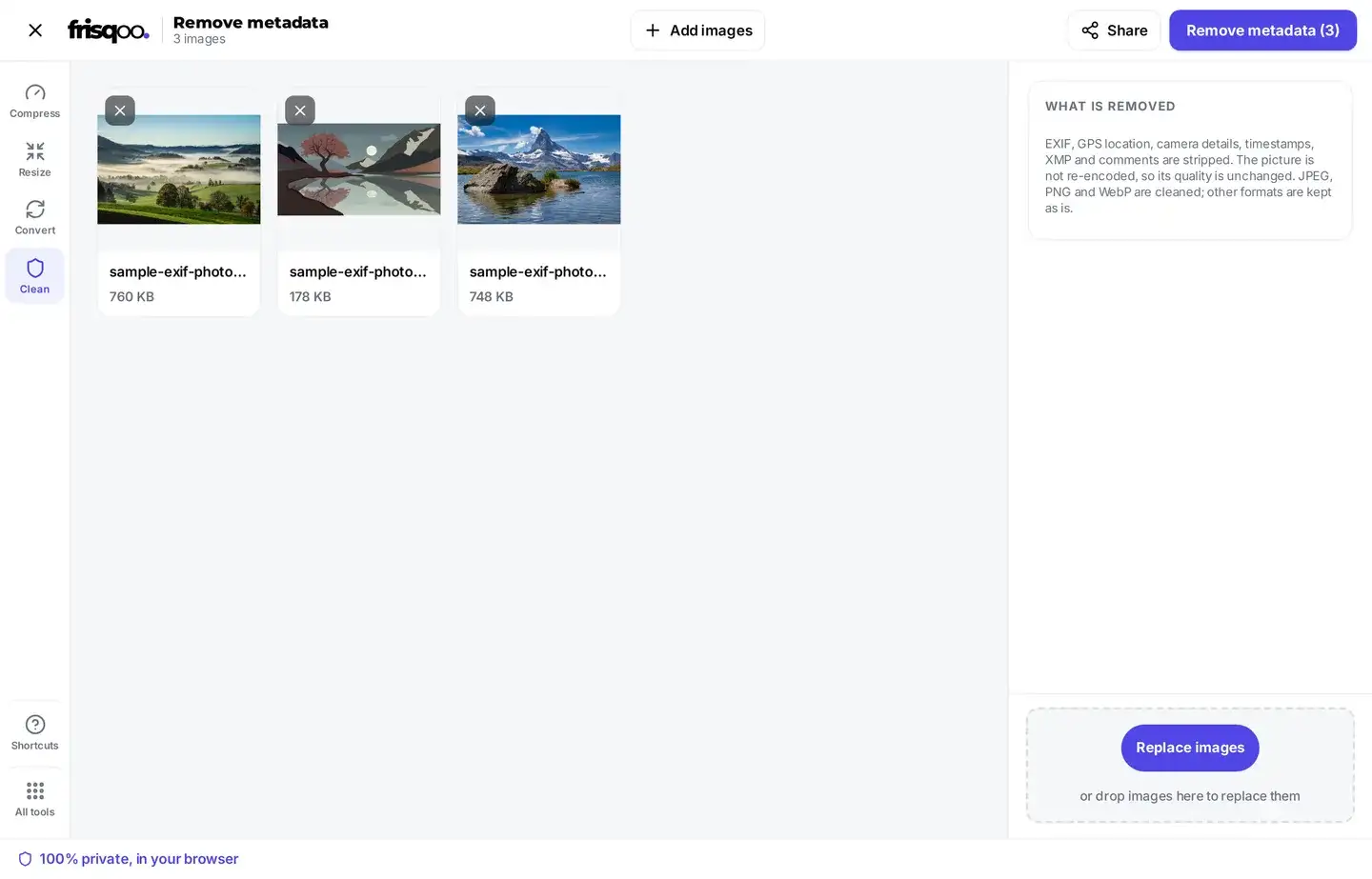
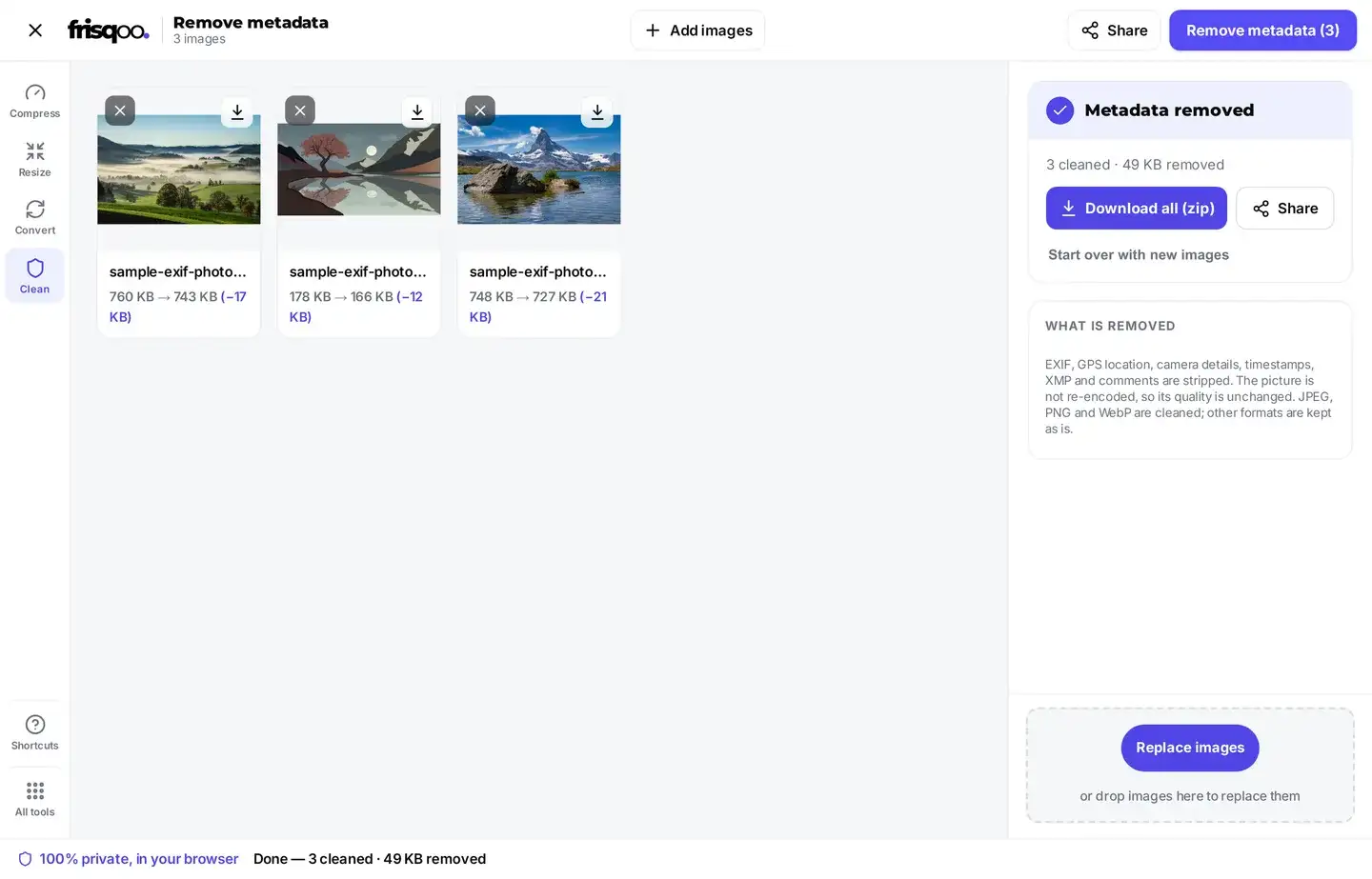
A full camera roll is far easier to clean in a single pass. Add as many photos as you like, then press Remove metadata once. Each photo reports its own size before and after, and the summary line adds up the total that came off across the whole batch.
A photo that has nothing to strip is marked No metadata found and counted as already clean, so a mixed batch is never reported as cleaner than it truly was. As soon as there is more than one photo in the list, the button changes to Download all (zip) and saves everything as frisqoo_no-metadata.zip, with each file keeping its original name inside the archive. You can also save any single photo on its own from its card. The whole batch is handled in order, one file after another, so a large set of photos will not freeze the page while it works.
A cleaned photo can go straight into another tool. Each result shows a short row of cards that hand the file on without a download, so you can compress, resize, crop or rotate it without saving it and adding it again.
Remove photo metadata on an iPhone or Android phone
This page works exactly the same on a phone as it does on a computer. Open it in Safari or Chrome, tap the box, pick the photos from your camera roll, then press Remove metadata. The work all happens on the phone itself, Frisqoo does not upload the source file for processing. There is no app to install or account to create.
Switching the source off helps as well. On an iPhone, open the share sheet, tap Options at the very top, and turn off All Photos Data before you send anything. On Android the exact wording shifts from one phone to the next, but the camera app has a location tag setting you can turn off for good. Cleaning the file by hand still matters for every photo you have already taken and saved.
Check that the metadata is really gone
You do not have to take the result on trust. Add the cleaned file back into this tool. If it comes back marked No metadata found, there is nothing left inside it to strip, and the job is done. To read the fields for yourself, open the photo in the EXIF data viewer, which lists every tag a file holds so you can compare the original with the cleaned copy.
You can also check outside the browser entirely. On Windows, right click the file, open Properties, then the Details tab, and scroll through the camera and GPS rows. On a Mac, open the photo in Preview and read the inspector panel. The rows that were filled in on the first file should now be blank on the copy you saved.
Formats you can clean
The drop area accepts JPG, PNG and WebP, and each one is cleaned by walking its own container and removing only the metadata parts.
- JPG hands over its EXIF, Photoshop and comment blocks, while the image scan is copied across untouched.
- PNG loses its text, time and EXIF chunks, and every rendering chunk is kept exactly as it was.
- WebP loses its EXIF and XMP chunks, and its colour data is left in place.
- AVIF, GIF, BMP and TIFF are passed straight through, never re-encoded and never damaged.
Two blocks are kept on purpose across all three formats. The ICC colour profile stays so your colours hold true, and the small JFIF header a JPG relies on is left alone. Screenshots are the quiet exception here. A screenshot has no camera behind it, so it rarely carries a location, but it can still record the device and the time it was taken, which makes it a sensible thing to clean too. Anything the tool cannot safely clean is passed through with a short note on its card, so a file is never quietly damaged in the name of stripping data that was not there to begin with.
A few habits that keep photos private
A few small habits make the biggest difference over time. Turn location on only when you actually need it, and turn it off again afterwards. Clean any photo before it goes onto a public page, a listing or a shared album. When a platform lets you send a photo as a file or a document, remember that route usually keeps every scrap of metadata intact.
None of this replaces cleaning the file itself, which is the one step that works no matter where the photo ends up next. Do that first, and it stops mattering which app or which route the picture travels by once it has left your hands.
FAQs about Remove EXIF data
What is EXIF data?
EXIF is hidden information a camera or phone saves inside a photo. It can include the GPS spot where the photo was taken, the camera and lens, the exposure settings, and the date and time. It travels with the file whenever you share it.
How do I remove EXIF data?
Add your images, then press Remove metadata. The hidden data is stripped on your own device, and you can save the cleaned images one at a time or all together as a zip.
Does removing metadata lower the image quality?
No. The picture is not re-encoded. The tool walks the file and drops only the metadata, leaving the image data byte for byte the same, so there is no quality loss.
Are my images uploaded anywhere?
No. They are read and cleaned by your own browser, and nothing is sent to a server, which is exactly what a privacy tool should do.
Does it remove GPS location?
Yes. GPS coordinates sit inside the EXIF block, so they come out along with the rest of the metadata. A shared photo no longer shows where it was taken.
Does it keep the colour profile?
Yes. The ICC colour profile is kept so your colours still look right, while the private data such as GPS, camera model and timestamps is removed.
What happens if a photo has no metadata to remove?
The image is marked No metadata found and passed through untouched. In a batch it counts as already clean, so the summary only claims what was really removed.
Do screenshots carry EXIF data?
Usually only a little. A screenshot has no camera behind it, so it rarely holds a location, but it can still record the device and the time. Cleaning it costs nothing, so it is a safe habit.
Does Discord remove EXIF data?
Yes, Discord strips EXIF from images you post. Your file still reached its servers with the location inside, so cleaning it first is the safer habit.
Does WhatsApp remove EXIF data?
A photo sent the normal way is recompressed and loses most EXIF. A photo sent as a document keeps everything, so clean it first if you use that route.
Do Facebook and Instagram remove EXIF data?
Both strip most EXIF from the copy other people can download. They still receive your original file first, so removing the data yourself is the only way to stop it leaving your device.
Does removing EXIF change the photo I already have?
No. Your first file stays where it is. What you download is a cleaned copy, so nothing is lost if you change your mind.