

SVG to PNG
Turn SVG files into PNG images at whatever size you need. Because an SVG is redrawn rather than stretched, a 2x or 4x export stays rendered at the requested dimensions. Transparency is kept by default, and everything runs in your browser, so Frisqoo processes the files locally without uploading them.
100% private. Your files are processed entirely in your browser and never uploaded.
Why convert SVG to PNG with frisqoo
Local processing
Processing runs in your browser, and Frisqoo does not upload the source files for this task.
Sharp at any size
The drawing is rendered fresh at the size you choose, so a large export stays crisp down to the edges.
Size you control
Keep the size written in the file, multiply it by 2x, 3x or 4x, or type an exact pixel width and let the height follow.
Transparency kept
A see-through SVG stays see-through, shown over a chequerboard so you can tell. Fill it with white, black or your own colour when you need a solid background.
Whole sets at once
Convert a full icon set in one pass with the same size settings, then save everything as a single zip.
Free, with no caps
No sign-up, no watermark and no daily quota. Your device memory is the only real limit.
How to convert an SVG to PNG
- Add your SVG files. Drop them on the box or pick them from your device, one or many.
- Choose the output size. Original, 2x, 3x, 4x, or an exact width in pixels.
- Press Convert. Save each PNG on its own or download them all in a zip.

Why people convert SVG to PNG
An SVG is usually the better file to keep: it is small, it stays sharp at any size, and it can be edited later. The trouble starts when you hand it to something that does not accept it. Plenty of places still reject SVG or render it badly, among them many email clients, older builds of PowerPoint and Word, some print services, marketplace and app-store listings, and a fair number of social uploads. A PNG clears all of that, because it is accepted almost everywhere and still holds a transparent background. The same is true when you pass artwork to someone who does not use design software, since a PNG opens with a double-click on any machine.
The part that matters is picking the right size on the way out. Exporting at the original size suits a small icon, but anything that will show large on screen or go to print should be exported at 2x or 4x. Since the SVG is drawn again at the size you request, the larger export carries real detail. If you are matching a set spec, such as a favicon or an app icon, export straight to the pixel width it lists. Keep the SVG as your master copy and export a PNG whenever a specific place asks for one.
Getting a size that stays sharp
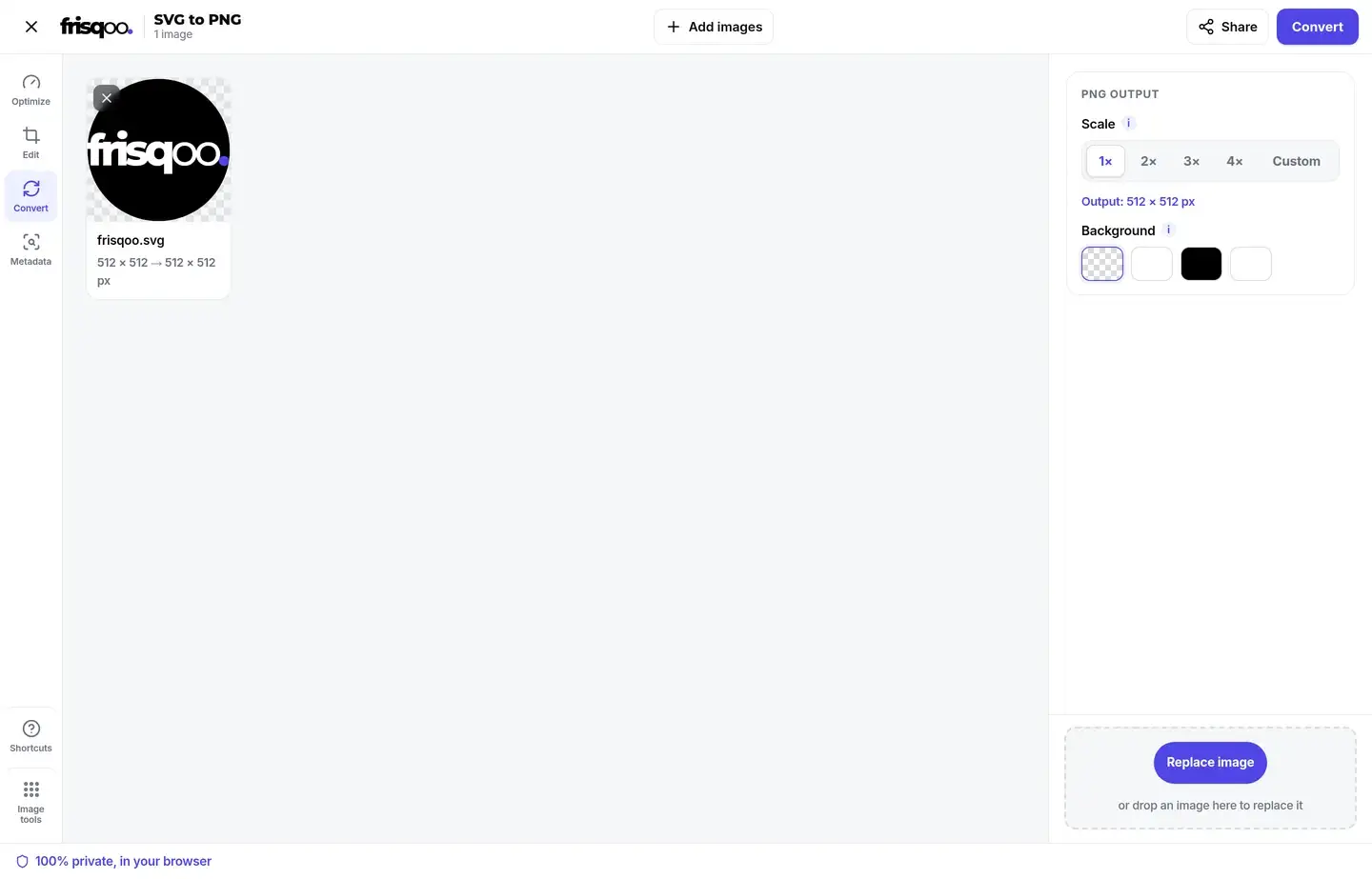
The output starts from the size written inside the SVG, taken from its width and height or, when those are missing, from its viewBox. That default shows on the file card as the pixel size you will get. From there you have two ways to change it. The scale buttons multiply the size by 2x, 3x or 4x, which is the quick route to a higher-resolution export for a retina screen, a slide, or print. The custom option lets you type an exact width in pixels, and the height follows the original proportions so nothing is squashed.
Because an SVG has no fixed resolution, each of these is a fresh render at the target size instead of an enlargement of a smaller picture. A 4x PNG holds more detail, and the live output line updates as you change the setting, so you always know the pixel size before you convert. If you are not sure which to pick, 2x is a safe default for most screens, and 4x suits print or a graphic that will be viewed close up. The exact width option is the one to reach for when a brief lists a single number in pixels, since you can enter it and read the resulting height straight from the card.
Keep the transparent background, or fill it
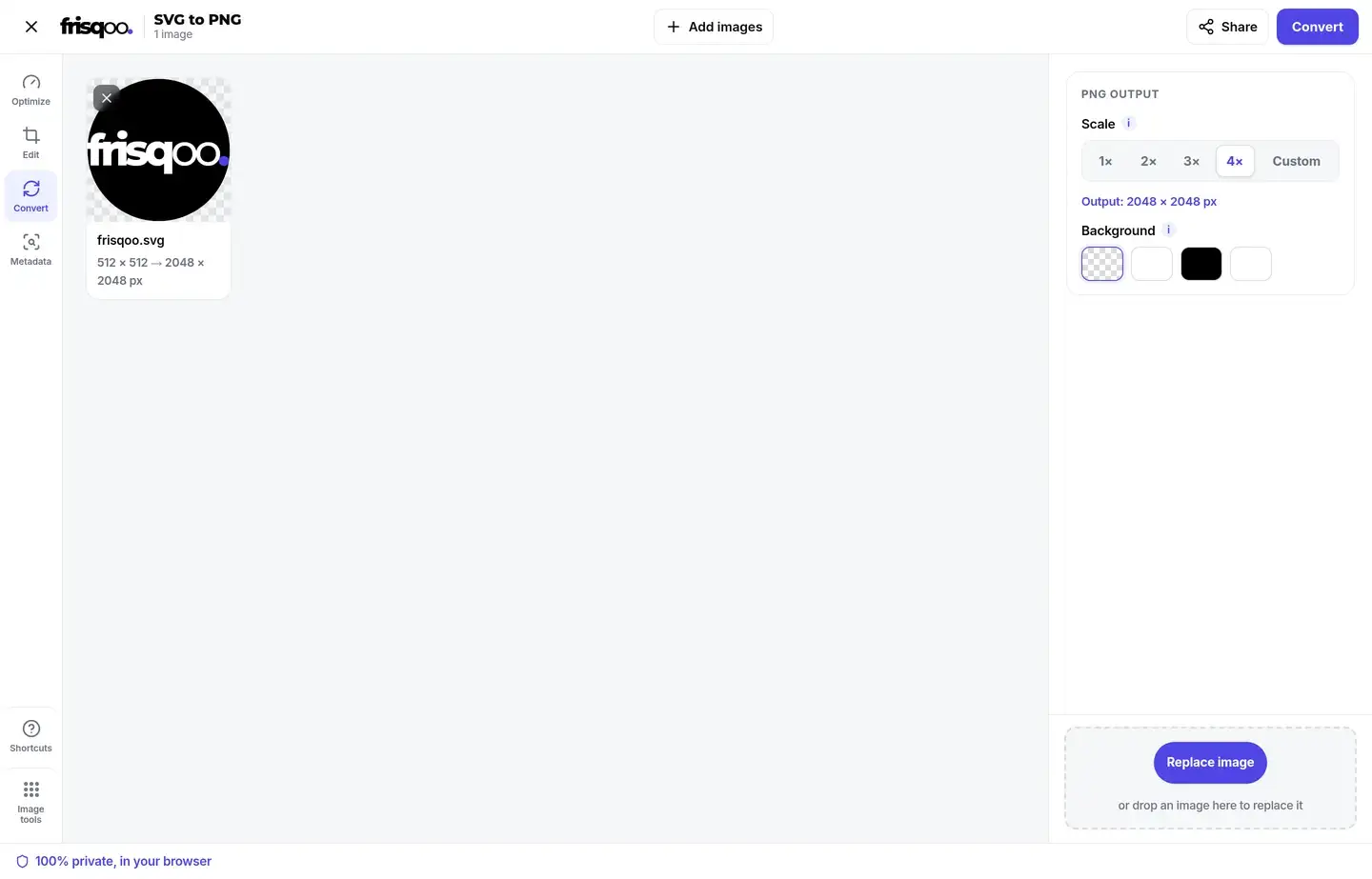
PNG stores an alpha channel, so an SVG that has no background of its own keeps its transparency once converted. The preview shows a light chequerboard behind the drawing so you can see which areas are see-through before you save. It suits a logo or icon that has to sit on top of a coloured page.
When you would rather have a solid background, switch the fill to white, black, or a colour of your own, and that colour is painted behind the drawing. The fill lands only in the empty areas, so the artwork itself is untouched. It helps when the PNG is headed somewhere that shows transparency as an odd grey or black box, or when you want a clean card behind an icon. The custom option takes a colour of your own, so you can match a brand shade instead of settling for plain white.
Convert a whole batch at once
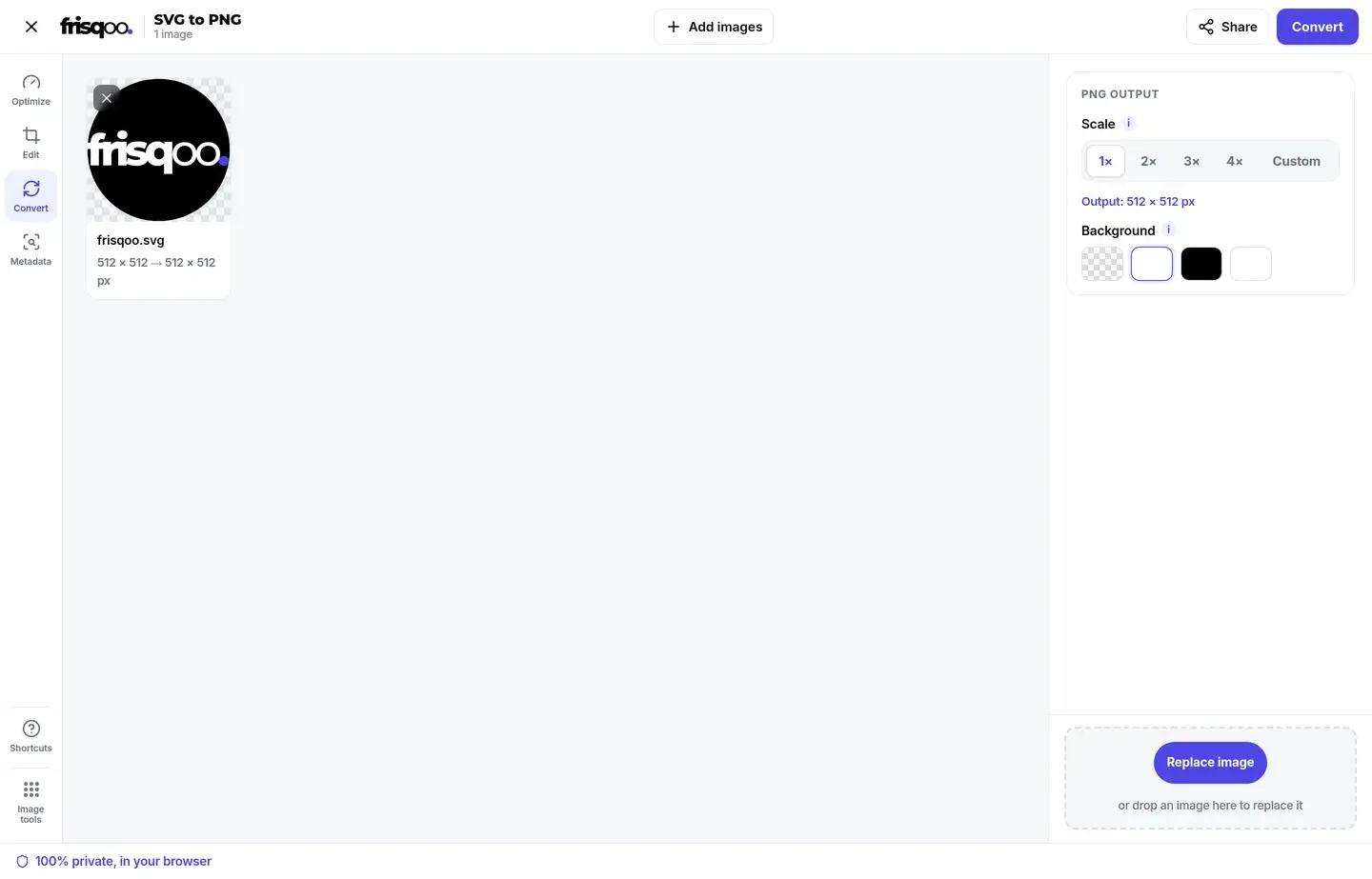
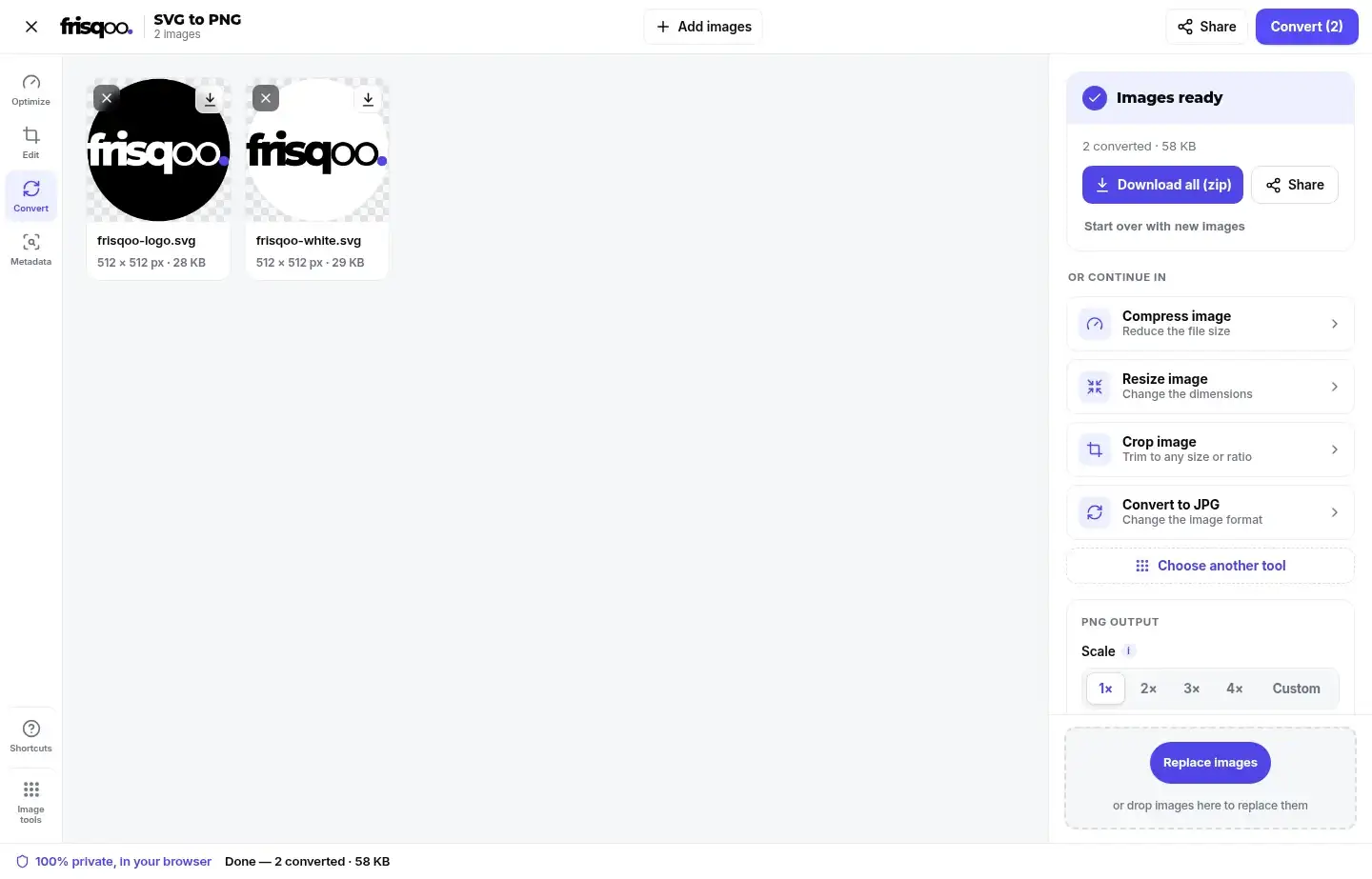
You are not limited to one file. Add a folder of icons, choose the scale once, and every SVG is converted with the same setting, which keeps a set looking consistent. When the batch is done you can save each PNG on its own or download the lot as a single zip, so exporting a full icon pack for a website or an app is a single pass instead of a file-by-file chore. Each PNG keeps the original file name with a .png extension, so a converted set lands next to the source icons without any renaming. The zip is named for this tool, which keeps a download folder tidy when you convert several sets in a row.
SVG and PNG, and what each format is good at
SVG is a vector format: it describes shapes with maths, so it can be drawn at any size without going soft, and the file stays small for flat art like logos, icons and diagrams. Its weakness is support, since it is code that a program has to understand before it can show it.
PNG is a raster format, a fixed grid of pixels at one resolution. It is understood almost everywhere, it keeps a transparent background, and it stores colour without the blocky edges that JPEG can add around sharp lines. The trade-off is that a PNG does not scale up cleanly, so the sensible pattern is to keep the SVG as the source and export a PNG at the size each job needs. Keeping both means you never lose quality on the original and never get stuck when a place refuses the vector.
How fonts and effects in an SVG are handled
Two things in an SVG are worth a look before you export. The first is text. An SVG that names a font relies on that font being present, and if it is missing the browser falls back to another face, so the letters can shift. When the wording has to look exact, convert the text to outlines in your design tool before you save the SVG, which also makes the SVG itself render the same on every machine. The second is effects such as blurs, gradients and clipping. These are drawn as part of the image and become ordinary pixels in the PNG, which is usually what you want, though a soft blur looks softer at a small export than at a large one. Exporting at 2x or 4x keeps those details clean.
Convert SVG to PNG on a phone or tablet
The converter runs on a web page, so it works the same on a phone or tablet as it does on a computer, with nothing to install. Tap the box to pick an SVG from your files, choose a scale, and save the PNG straight to the device. It helps when someone sends you a logo as an SVG and the app you need it in, a chat, a document, or a marketplace listing, will only take a PNG. Larger exports lean on the device, so an older phone may take a moment on a 4x render or a long batch, but the steps match the ones on a desktop.
Is it safe to convert SVG files here?
Yes, and the reason is in how the file is handled. An SVG is code, and it can carry scripts, which is why uploading one to an unknown server is worth avoiding. This tool uploads nothing. Your SVG is drawn through the browser image pipeline, which shows the artwork but does not run scripts inside the file and does not fetch anything on its behalf. So even a file from an untrusted source is rendered without acting on that code, and nothing you add is stored or seen by anyone else. Because the work happens on your machine, there is no queue and no file left behind on someone else's server.
Common ways people use SVG to PNG
- Exporting a logo as a PNG for an email signature or a document that rejects SVG.
- Making 2x or 4x icons for high-resolution screens.
- Turning a diagram into a large, sharp PNG for a slide deck or a poster.
- Converting an app icon or store graphic to the exact pixel width a listing asks for.
- Rendering a whole folder of SVG icons to PNG in one pass and saving them as a zip.
- Placing a transparent logo over a photo or a coloured banner.
FAQs about SVG to PNG
How do I convert an SVG to PNG?
Add your SVG files, choose the output size, then press Convert. Each file is rasterised on your own device, and you can save them one by one or all together as a zip.
What size will my PNG be?
By default it matches the size written inside the SVG, taken from its width and height or from its viewBox. You can multiply that by 2x, 3x or 4x, or type an exact width and the height follows the original proportions.
Why would I export at 2x or 4x?
An SVG has no fixed resolution, so it is redrawn at whatever size you ask for instead of being blown up. A 2x or 4x PNG is genuinely sharper, not stretched. This is the usual choice for retina screens, print, and large presentation slides.
Is the transparent background kept?
Yes. PNG stores an alpha channel, so an SVG with no background of its own stays see-through. The preview uses a light chequerboard so you can actually see which areas are transparent. If you would rather have it filled, pick white, black or a custom colour.
Are my files uploaded anywhere?
No. Your SVG is read and drawn by your own browser. Nothing is sent to a server, so brand assets and client artwork stay with you.
My SVG has no width or height. Will it still work?
Yes. The viewBox is used instead, which is what most icon sets and export tools write. If neither is present, a square is assumed and the card tells you which size was used, so you can switch to a custom width if it is wrong.
Why does my text look different in the PNG?
An SVG that refers to a font by name relies on that font being available. When it is not installed on your device, the browser substitutes another one. The fix is to convert text to outlines in your design tool before exporting the SVG, which also makes the SVG itself render the same everywhere.
Is it free to use?
Yes, it is free, with no sign-up and no watermark. Add as many files as you like. Very large exports are capped so a browser tab is never asked for more memory than it can allocate.
Can I go the other way, from PNG to SVG?
Not usefully, and any tool that claims to is guessing. A PNG is a grid of pixels with no shapes in it, so recovering real vector paths is a tracing operation that rarely matches the original. Keep your SVG as the master file and export PNGs from it when needed.
Does it work on my phone?
Yes. It runs in current desktop and mobile browsers on a phone, tablet, or computer, with nothing to install.