

JSON Minifier
Paste JSON and shrink it to one line, or lay it out so it is easy to read. The work runs inside your browser, so nothing is uploaded. Long numbers and duplicate keys are kept exactly, so the file means the same thing when you are done.
100% private. Your JSON is processed entirely in your browser and never uploaded.
Why minify and beautify with frisqoo
100% private
Your JSON is read and reformatted in your browser. Nothing is uploaded to a server.
Real parsing
A proper parser reads your JSON, so problems are reported with a line and column, never guessed.
Numbers kept exact
Long ids and versions like 1.10 are copied character for character, never rounded.
Minify or beautify
Shrink to one line, or lay it out with two spaces, four spaces or tabs.
No internet needed
Once this page has loaded, the work itself runs with no connection at all.
Any device
Runs in any modern browser on a phone, tablet or computer. Nothing to install.
How to minify or beautify JSON
- Paste your JSON into the left box, or tap Load sample to try it.
- Choose Minify or Beautify, pick your indent, and turn on the tolerant option if your JSON has comments or trailing commas.
- Tap Copy result or Download to save the JSON.
Everything runs on your device, so it is fast and your data stays private, even with no internet once the page has loaded.
Why minify or beautify JSON?
Minified JSON is what you want when a file has a job to do: it is sent over the network, saved to a cache, or embedded in a page. Stripping the spaces and line breaks makes it smaller, so it loads and transfers faster. Nothing about its meaning changes, only its size.
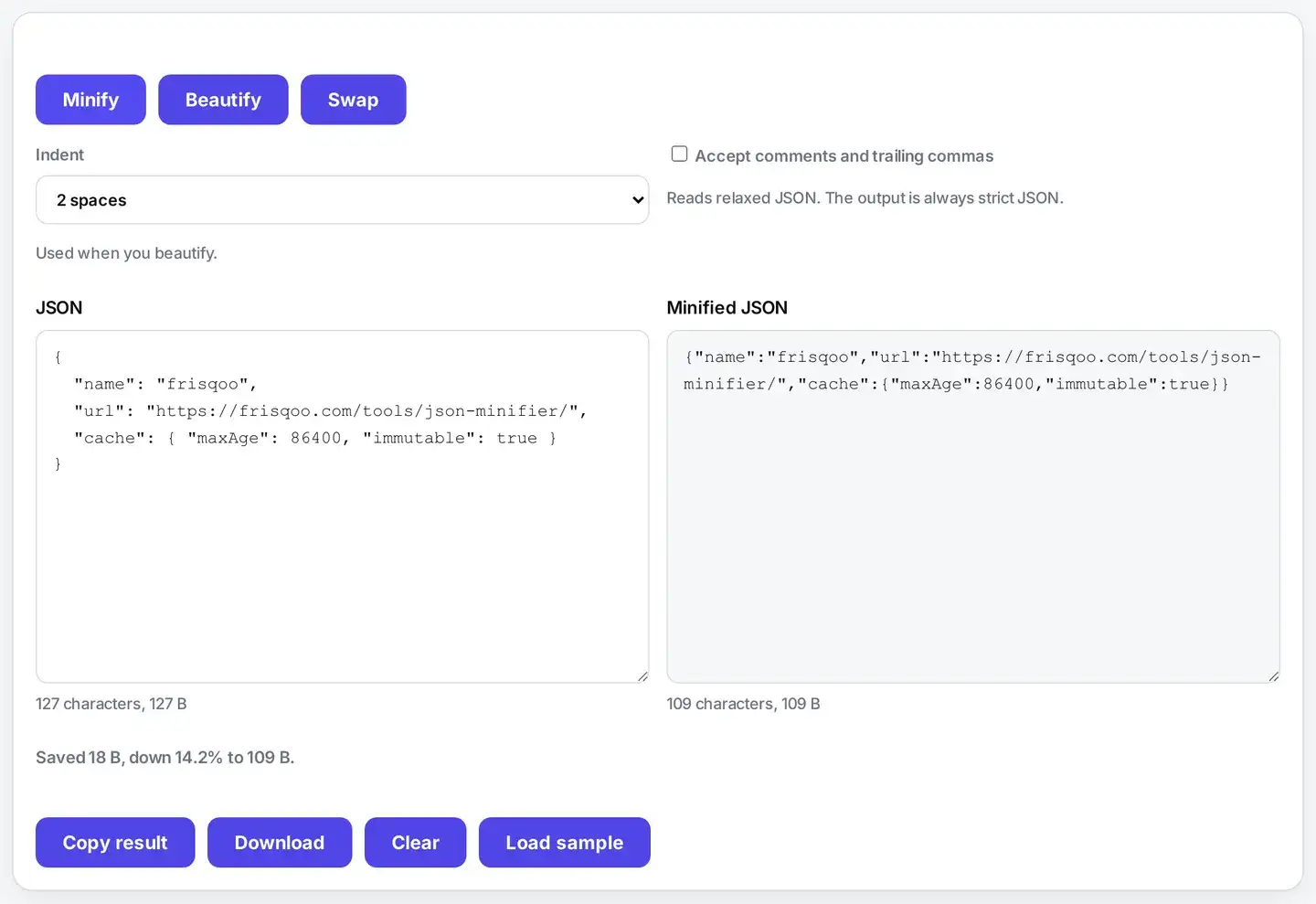
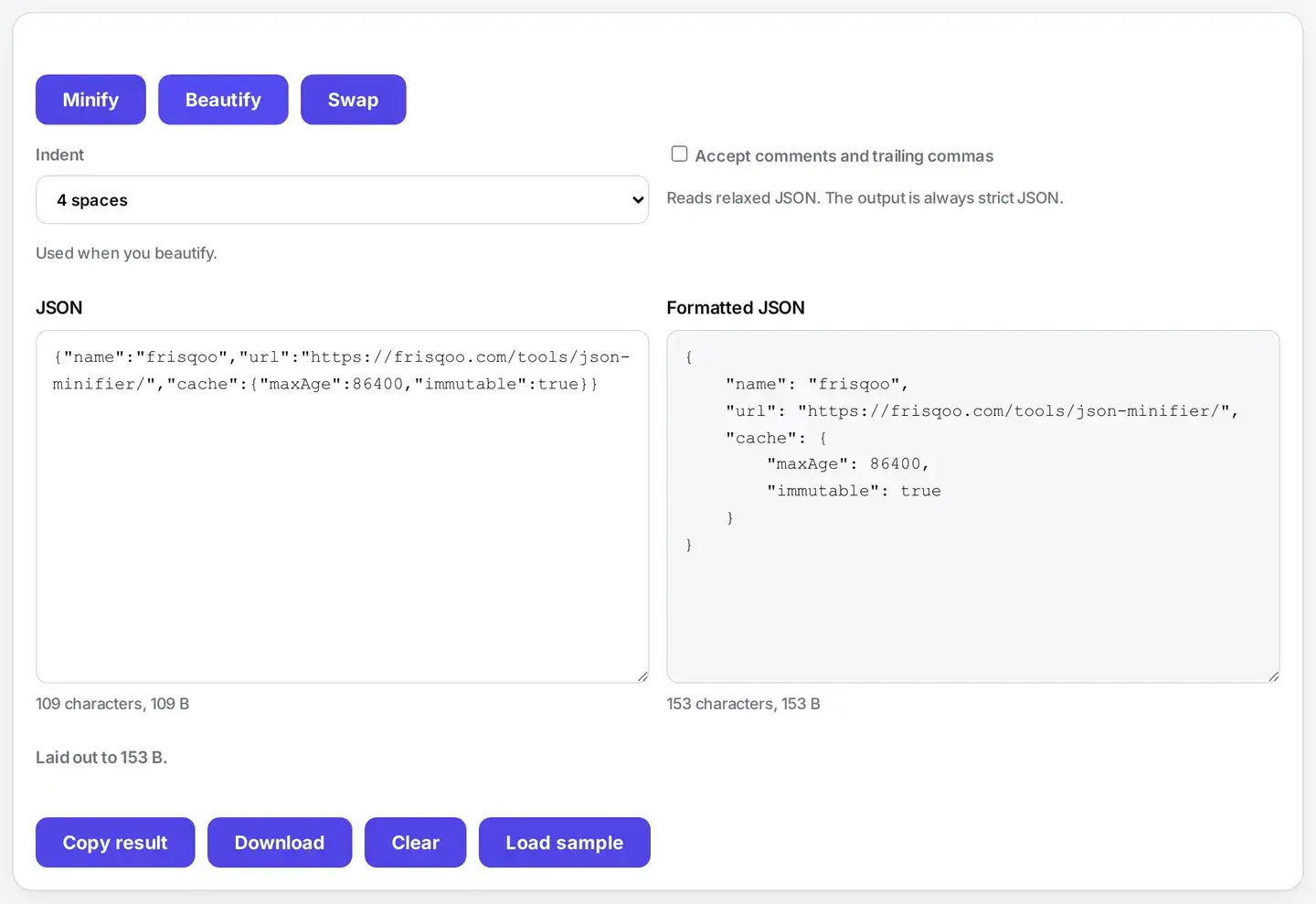
Beautified JSON is for people. When you are reading an API response, checking a config file, or trying to spot why something is wrong, neat indentation and one value per line make the shape of the data obvious. The two jobs are opposites, and this tool does both.
Does it change my data?
No. Reformatting only touches the whitespace between the parts of your JSON. Every key stays in its original order, every string keeps its exact characters, and every number is copied as it was written. A version like 1.10 stays 1.10, and a long id keeps all of its digits, because the number is never turned into a machine value and back.
Duplicate keys are handled the same honest way. Strict JSON does not forbid them, so rather than quietly drop one, the tool keeps them all in place and tells you how many it saw. That way the file you get out means exactly what the file you put in meant.
What do the error messages mean?
When the JSON cannot be read, the tool tells you what went wrong in plain words and points at the line and column where it gave up. A trailing comma after the last item, a missing quote or colon, or a stray character after the end are the usual causes. The spot named is where the parser could no longer make sense of things, which is normally right where the mistake is.
Errors are reported rather than patched over. A tool that quietly repairs your JSON is a tool that quietly changes your data, and with a config file or an API payload that is worse than being told to fix the source.
Can it read comments and trailing commas?
Strict JSON allows neither, but the files people actually keep often have both: a double-slash note next to a setting, or a trailing comma left after the last item so the next line is easy to add. Turn on the tolerant option and the tool accepts those, reads the document, and gives you back clean, strict JSON with the comments removed and the stray comma gone.
With the option off, the same input is reported as an error, so you always know which kind of JSON you are working with.
Is it safe to paste private JSON here?
Yes, and it matters here. The JSON people need to tidy is rarely a toy document: it is an API response with real customer data, a config file with a live token in it, or an export from a database. Many free formatters post whatever you paste to their own server, which means all of that ends up in someone else’s logs.
This page parses and reformats in your browser, so the document never leaves your device. For related work that runs the same way, see the developer tools, turn XML into JSON, encode a value with Base64, or fix a link with the URL encoder.
FAQs about JSON Minifier
Is my JSON uploaded to a server?
No. The work runs inside your browser on your own device. JSON often carries API keys, customer records and config, and none of that leaves your machine here. Closing the tab leaves nothing behind.
What is the difference between minify and beautify?
Minify removes every space, tab and line break so the file is as small as it can be, which is what you want before you ship it. Beautify does the opposite: it lays the JSON out over many lines with neat indentation so a person can read and check it.
Does minifying change my data?
No. Minifying only removes the whitespace that sits between the parts of your JSON. Every key, value, string and number stays exactly as it was, so the file means precisely the same thing, just smaller.
Are long numbers kept exactly?
Yes. Numbers are copied character for character, so a 20-digit id or a version like 1.10 is never rounded or trimmed. Many tools quietly read numbers and hand back 1.1 or a rounded id. This one does not.
What happens to duplicate keys?
They are kept exactly as written, in their original order, and the result tells you how many it found. Strict JSON does not forbid duplicate keys, and silently dropping one would change your data, so nothing is removed.
Can it read comments and trailing commas?
Yes, if you turn on the tolerant option. It then accepts double-slash and block comments and a trailing comma after the last item, which is the relaxed style config files often use. The output is always strict JSON with the comments removed.
Does it check that my JSON is valid?
Yes. A proper parser reads the whole document, so anything malformed is reported rather than guessed at. The message names the line and column where the problem is, which is usually where the mistake shows up.
Why does my JSON fail with an error?
Almost always a small slip: a trailing comma in strict mode, a missing quote or colon, or a stray character after the end. The message points at the line and column so you can fix the source rather than have the tool patch over it.
Is there a size limit?
Only what your own device can comfortably hold. Because the work happens in your browser rather than on a server, there is no upload limit and no queue. Very large documents are limited by your available memory, not by us.
Is it free?
Yes. No sign-up, no watermark and no account. It works the same on phones, tablets and computers in any modern browser.