

privacy
What your PDF says about you
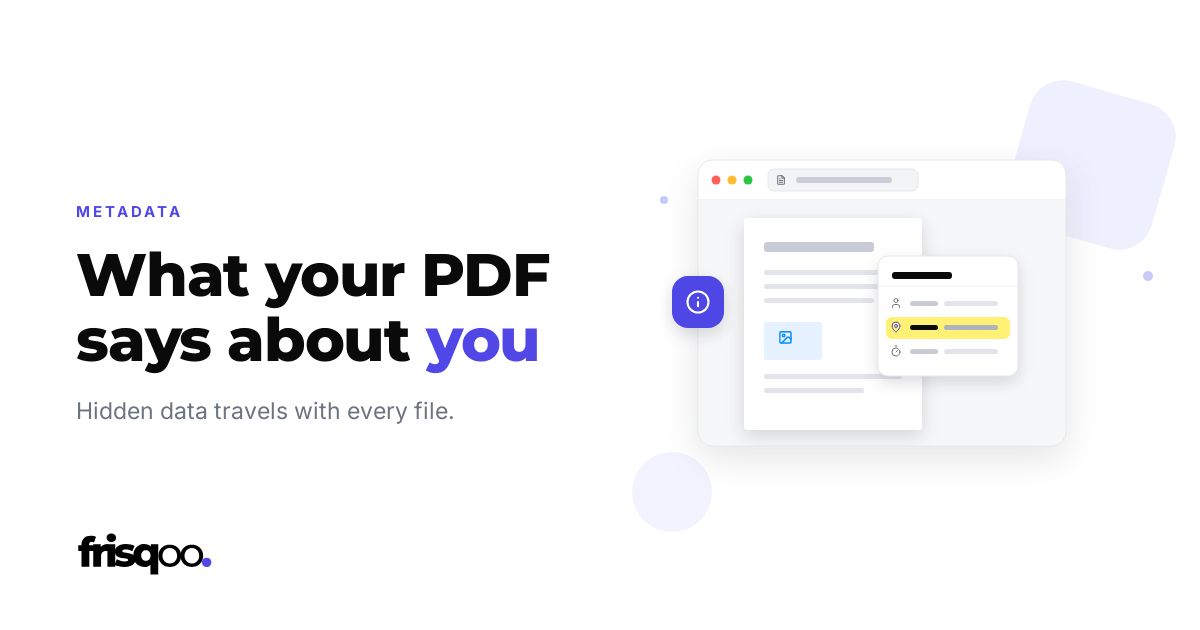
Every PDF keeps a small record about itself, written automatically the moment the file is made. You never see it when you open the page, and for most documents it changes nothing. For the ones you send to people you do not know well, it can quietly say more than you meant to. If you are weighing up online tools in general, we cover that in are online PDF tools safe.
What’s actually in there?
Open the document properties in almost any reader and three things usually show up. The first is an author, which is often just the account name on the computer that made the file, so it can read as your full name or as whatever that account happens to be called. The second is the software that produced it, named in enough detail that a reader can tell a file came out of Word, Google Docs, Canva, or a scanner. The third is a pair of dates, one for when the file was created and one for when it was last changed.
Photos add more. A picture taken on a phone often carries the camera model, the date it was taken, and sometimes the exact place. Drop that photo into a PDF and those details can ride along inside the file.
The fields that give you away
The one that catches people out is the creation date. A quote or a proposal you built from an older file usually keeps the older date, so a client who thinks to check can see the work is not as fresh as it looks. The author field is the other. People send what they take to be an anonymous document without noticing their own name, or an old employer’s account name, sitting in the properties for anyone who cares to look.
None of this is a security hole, and none of it is dramatic. It is closer to leaving track changes switched on: a bit of information you never meant to send, travelling quietly with the file.
How to clear it
You can read most of these fields yourself by opening Properties, or Document properties, in your reader. To wipe them in one place, open the hidden details stored inside the file and clear the author, the software, and the dates. Nothing on the page moves. The text, the images, and the layout stay exactly as they were, and only the record around them is emptied.
A quick habit before you send
If a file is leaving your hands for somewhere you do not control, give the properties a few seconds before it goes, and clear anything that says more than you want. If the page itself holds something private, black it out and remove the text underneath, because a box drawn on top still leaves the words in place. For the quieter ways files slip out after they leave you, see where documents actually leak.
Frequently asked questions
What personal information is hidden in a PDF?
Most PDFs store the author name, the software that made them, and the dates they were created and changed. The author is often the account name from the computer that made the file, and photos placed inside can carry camera and location details.
How do I see the hidden details in a PDF?
Open the file in a reader and look for Properties or Document properties. That shows the author, software, and dates. To see and clear everything in one place, use a metadata tool.
Does deleting metadata change how the PDF looks?
No. The record sits around the page, not in it. Clearing the author, software, and dates leaves the text, images, and layout exactly as they were.
Is hidden PDF data a real privacy risk?
It can be. A document you assumed was anonymous can carry your name, and a file you want to look new can carry an old creation date. For anything you send outside your own circle, it is worth a check.